Design an overlay, piece by piece
The studio is a design tool made for live graphics. Put text and shapes on a stage, drag them where they belong, and tell each one what to show and when. What you see is exactly what your viewers will get.
- Name tag
- Name
- Role
- Next song
{speaker}
Layers, the stage and settings
If you've used a slide or design tool, you'll feel at home. Everything you change is saved a second later, and Undo takes back every step.
Layers
Add text, shapes, rows and columns. Put things inside rows and columns, and they line up by themselves with even gaps, however long the text gets.
The stage
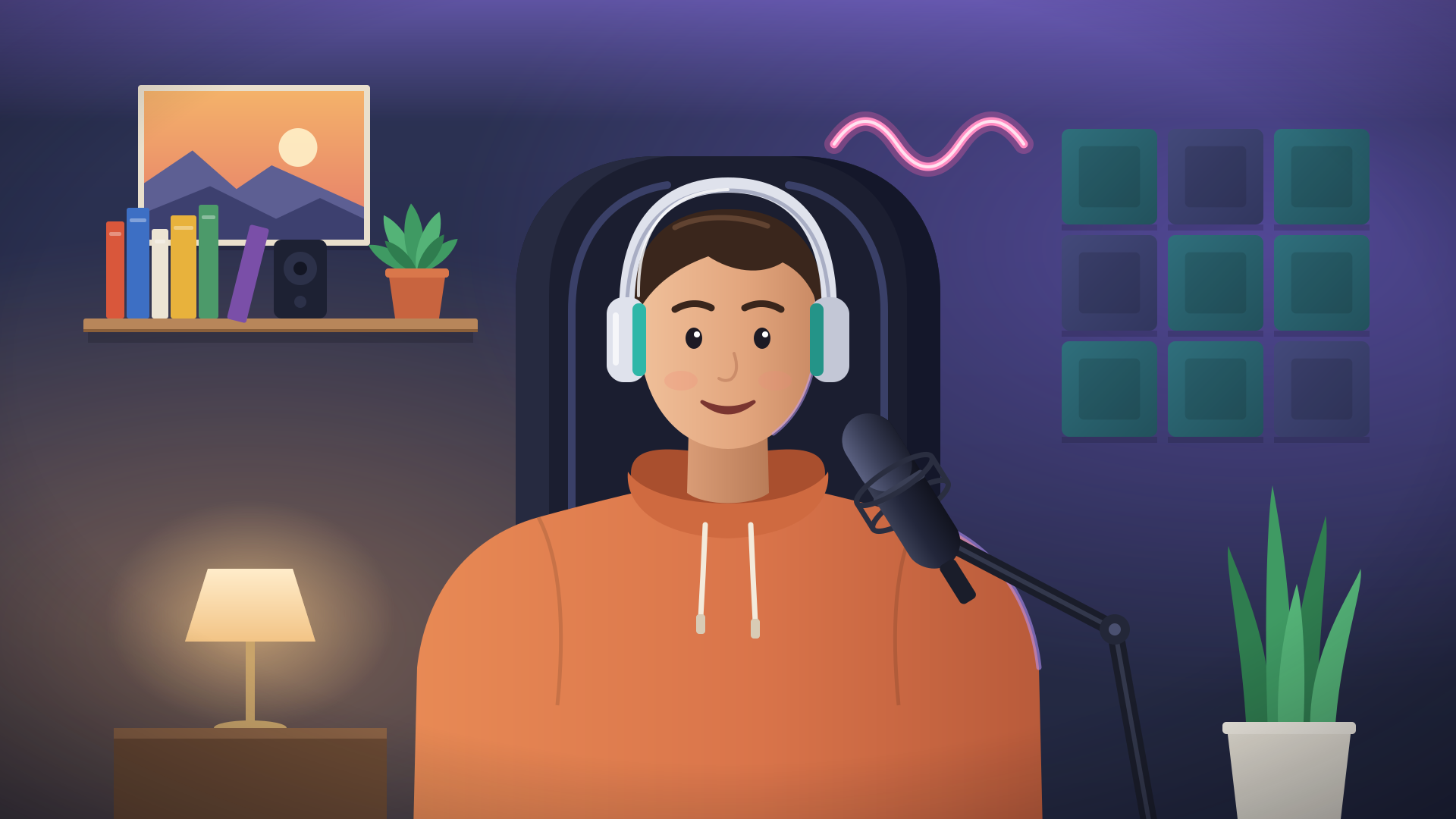
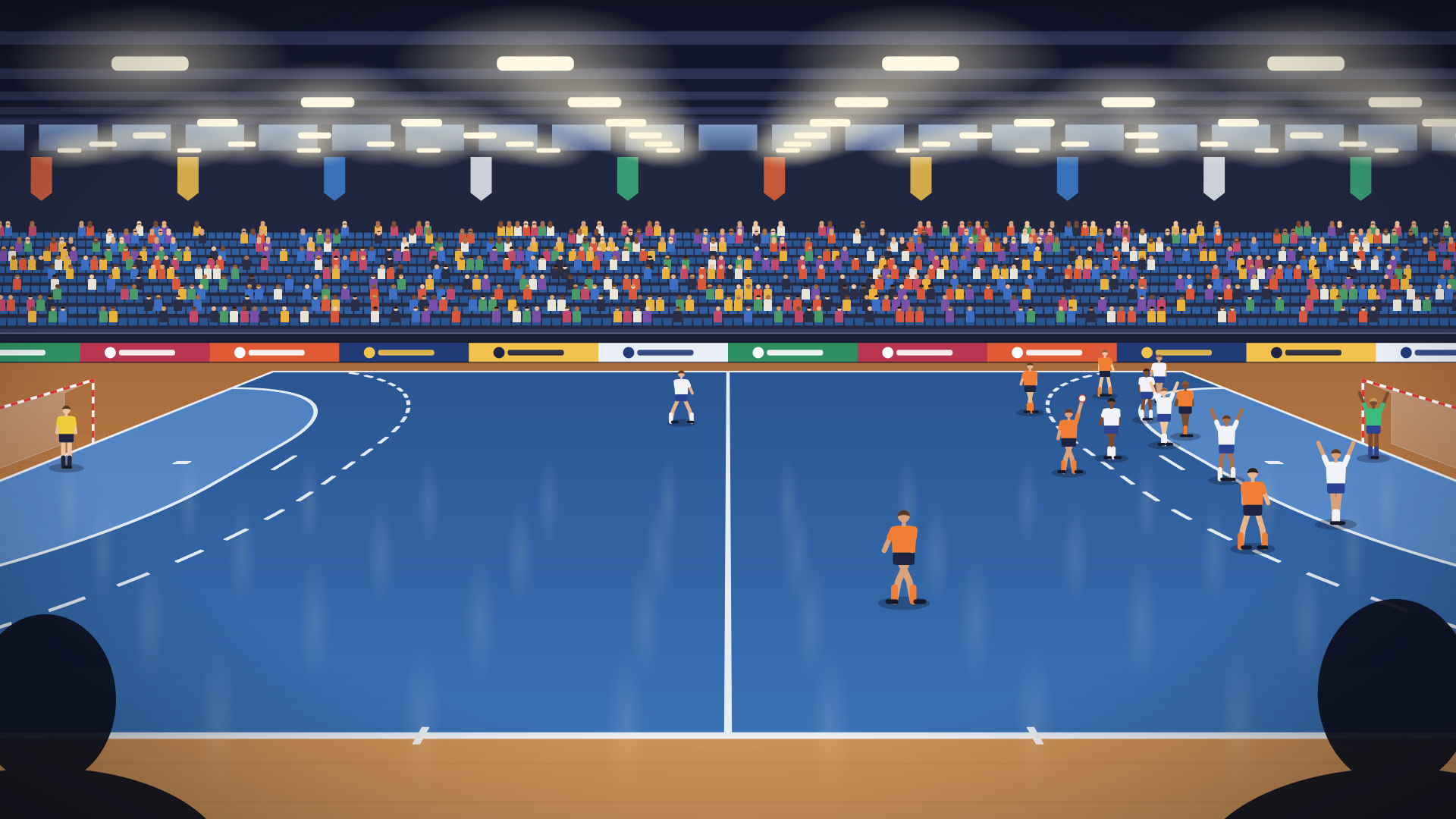
Drag and resize on a stage the size of a real broadcast, upright or sideways. Things snap to a grid, a dashed line marks the safe area, and a sports hall or home studio picture sits behind.
Settings
Pin each element to a corner or an edge so it stays put on every screen. Then choose its font, size, colours, corners, padding and shadow.
Put live values in any text
Pick a Value and its Format, choose Insert, and the value goes into the text where your cursor is: a score, a team name, a temperature. Viewers see it change the moment it does.
Format shows each value the way it reads best, and the studio shows what every format makes of a sample before you pick one.
Show it at the right moment
Every element has a Shows setting, with three choices:
- Always. A scoreboard, a logo text, a clock.
- When a value… has a value, is empty, is or isn't something, or is more or less than a number. A "next match" card shows only when there is one.
- For a moment. When a new item arrives in a list, a value changes or a number goes up, the element shows for 1 to 30 seconds. A goal banner, a new earthquake, a fresh result. Moments that come at once wait their turn.
Settings before the live, buttons during it
Decide what the person going live fills in, and what they can change with a tap while they film.
- Settings are filled in on the phone when the overlay is picked for a bubble: a text, a link, a colour, a number, a choice or an on/off switch. Team names and colours, the speaker's name, the town for the weather.
- Live controls show up on the host's live screen: counters with a big +1 and a small −1, and short texts such as the period. Undo fixes a slip. Up to 8 per overlay.
Check it, then put it in your bubbles
On a phone
Phone shows the overlay at a phone's real size, as viewers see it, and tells you how big the smallest text is. Too small to read? It says what size is enough.
Test with real data
Test runs the overlay in a sandbox for up to five minutes, with values you choose for its settings, so you see live data on the stage before you go live.
Use in bubbles
Your bubbles keep the version they use while you work on the next. Use in bubbles puts your changes in, and a bubble that's live switches at that moment, once.
Versions
Every version your bubbles have used is kept, the newest 20. Make one the draft again to go back, and Undo if you change your mind.
Export and import
Download an overlay as a file to keep or send to a friend, and import a file to make a new overlay from it.
Change with AI
Stuck? Tell your AI what to change. It gets the overlay as it is, and what it gives back becomes your draft. How it works.
Designer questions
Sideways or upright: which shape should I choose?
Choose the way the phone films. Sideways is a 1920×1080 stage, for phones held sideways, TVs and computers; upright is 1080×1920, for phones held upright. An overlay keeps its shape, but a remix can switch it.
Will changing an overlay disturb a live?
No. Bubbles keep the version they use until you choose Use in bubbles. A live bubble then switches once, at that moment.
Which fonts can I use?
Three that read well on a live: Figtree for text, Bricolage Grotesque for big numbers and headlines, and a monospace for clocks. Sizes, weights, colours and capitals are up to you.
How many overlays can I make?
Up to 30 of your own, and each can be used in all your bubbles.
Can I nudge things with the keyboard?
Yes. The arrow keys move the selected element, and Undo and Redo work as you'd expect.
Your people are waiting for the link.
Make a bubble in a minute, send the link, and go live from the phone in your pocket. Viewers watch in their browser, no app needed.