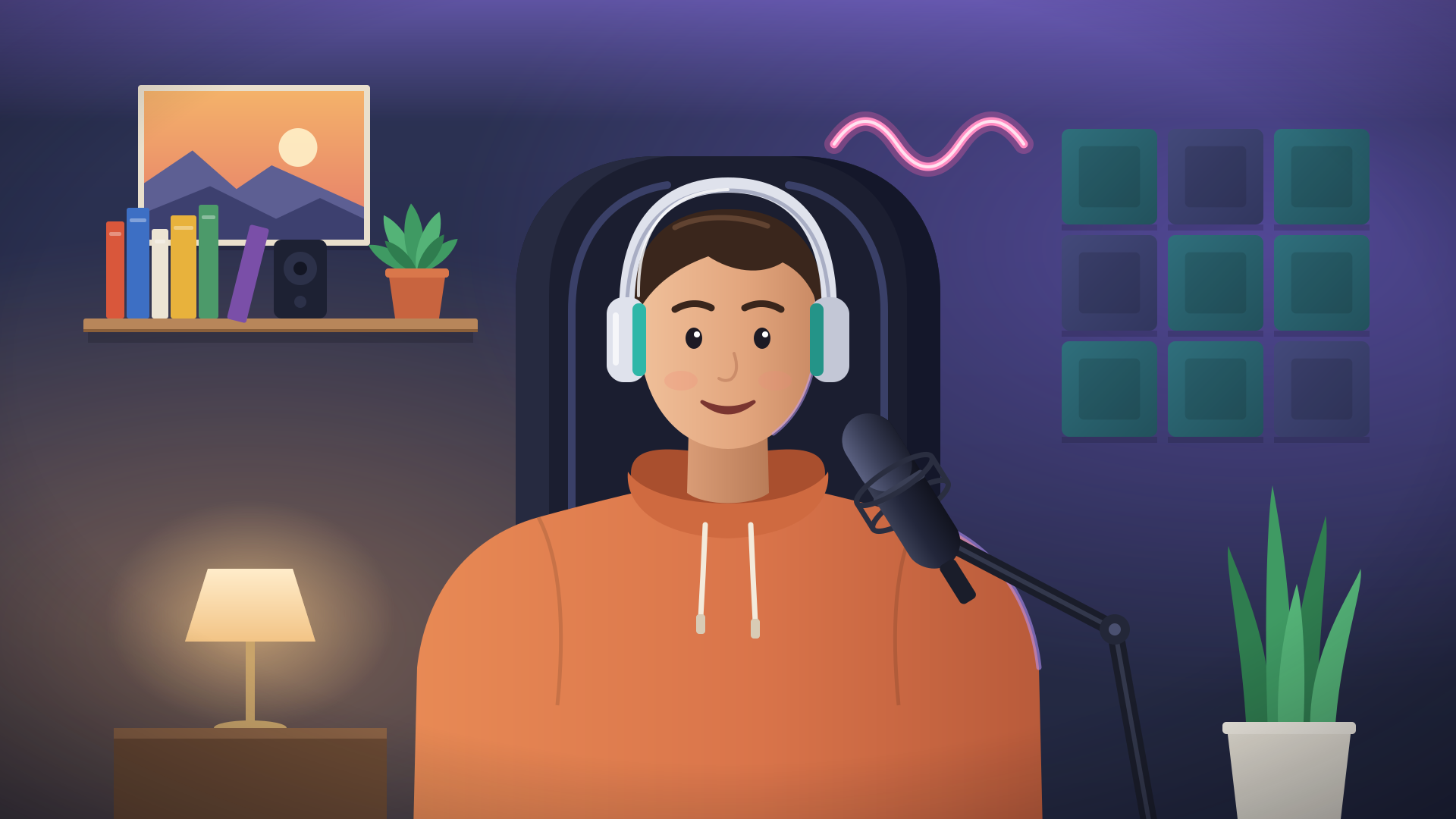
Scoreboard
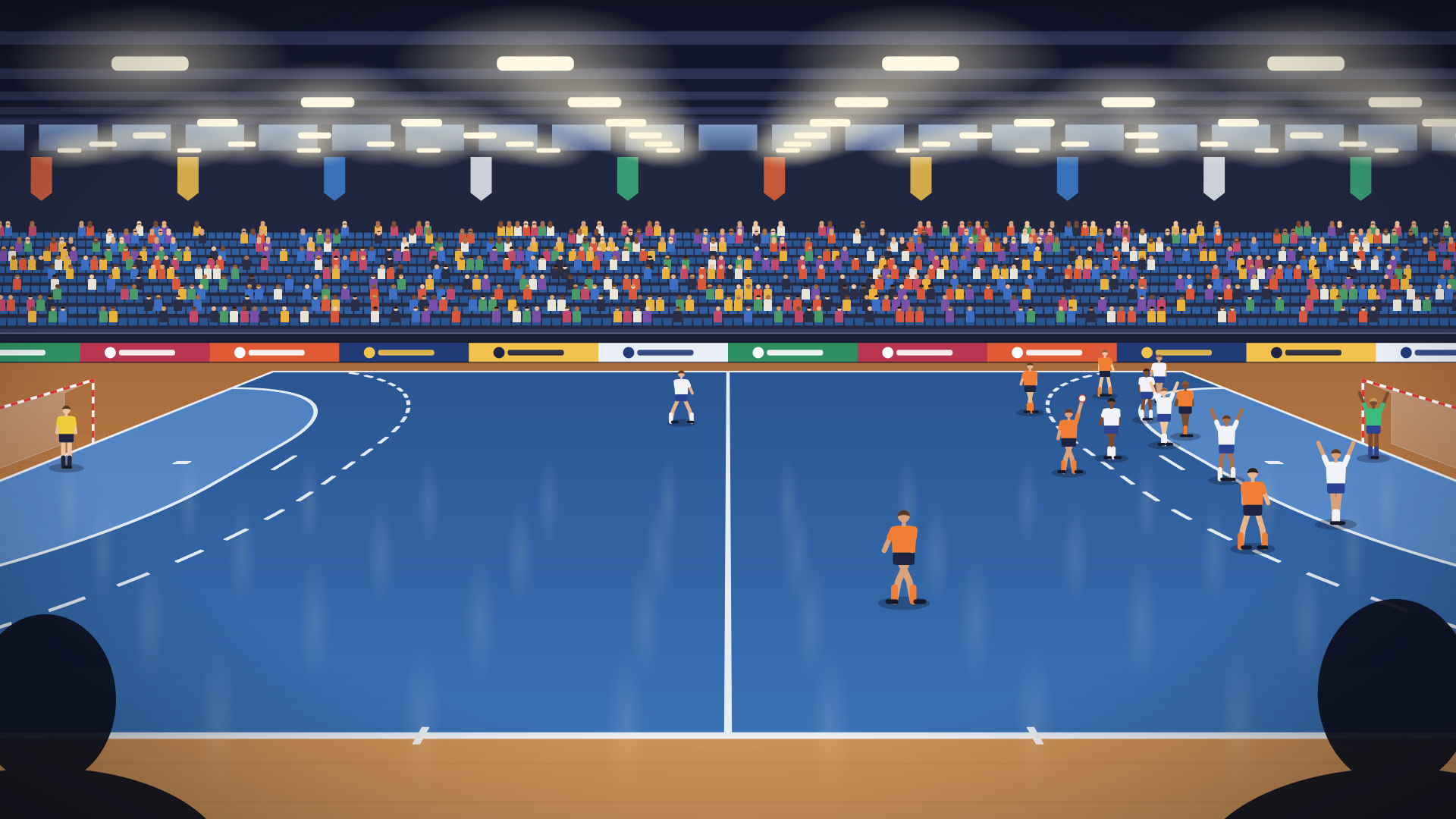
Team names and colours, a score you tap on the phone you film with, and a goal banner when it goes up.
Scoreboards, name tags, the weather, live results: design the graphics for your lives in the browser on a computer, or describe them to your AI and let it build them. Then pick one in any bubble from your phone, and everyone watching sees it in the picture.
{home}–{away}
Every overlay below is in the library today, ready to use as it is or to remix into your own.
Team names and colours, a score you tap on the phone you film with, and a goal banner when it goes up.
A name and a line under it, for the speaker at a wedding, a concert or a service.
The weather now and the next hours, for the town the host types in. It updates itself.
Score, clock and the latest goals, read by itself from the results service the match is reported on.
The latest earthquakes in the world, fresh from a public data feed, newest first.
Build it on a blank stage, or tell your AI what it should show and paste what it writes.
Build it with your AIOpen Overlays in BeamBubble on a computer and make a new overlay, upright or sideways. Add text and shapes, connect live data, or paste what your AI wrote.
Choose Use in bubbles. On your phone, pick it in any bubble's overlay menu and fill in its settings, such as the team names or the town for the weather.
Everyone watching sees it in the picture, on phones, computers and TVs: the score you tap, the data it fetches, a banner at the right moment. The recording keeps it too.
Layers, text and shapes on a stage you drag and resize. Put live values into texts, show an element at the right moment, and check it at a phone's real size.
The designerResults, weather, prices, earthquakes: read public data from the web and let the overlay keep itself up to date while you're live.
Live data overlaysChatGPT, Claude, Gemini or your own AI agent reads our guide and writes the whole overlay from a few sentences. The studio checks it at once.
Build with AIFind overlays in the library, star your favorites and remix any of them. Publish yours, and every copy credits you.
The overlay libraryBeamBubble draws your overlay into the live picture, the way a TV channel puts its graphics on air. It looks the same on every phone, computer and TV, and it's in the recording too.
Yes. Making overlays, using them in your lives and using the library are free, like the rest of BeamBubble today.
The studio needs a computer: its stage and settings don't fit a phone. Everything else works on your phone: picking an overlay for a bubble, filling in its settings, the score buttons while live, and the library.
No. BeamBubble draws overlays into your live, and you design them by choosing, dragging and typing. Live data is set up in a small box of JSON in the Data tab today, a few named settings; if you'd rather not, describe what you want to your AI and paste what it writes.
Only you, until you publish one to the library. Viewers see an overlay only when you use it in a live.
Not yet: pictures and logos can't be uploaded to the studio today. Text, shapes, your colours and a set of icons can.
No. Overlays are made for lives on BeamBubble, which draws them into the picture. You can export an overlay as a file, but only BeamBubble reads it.
Make a bubble in a minute, send the link, and go live from the phone in your pocket. Viewers watch in their browser, no app needed.