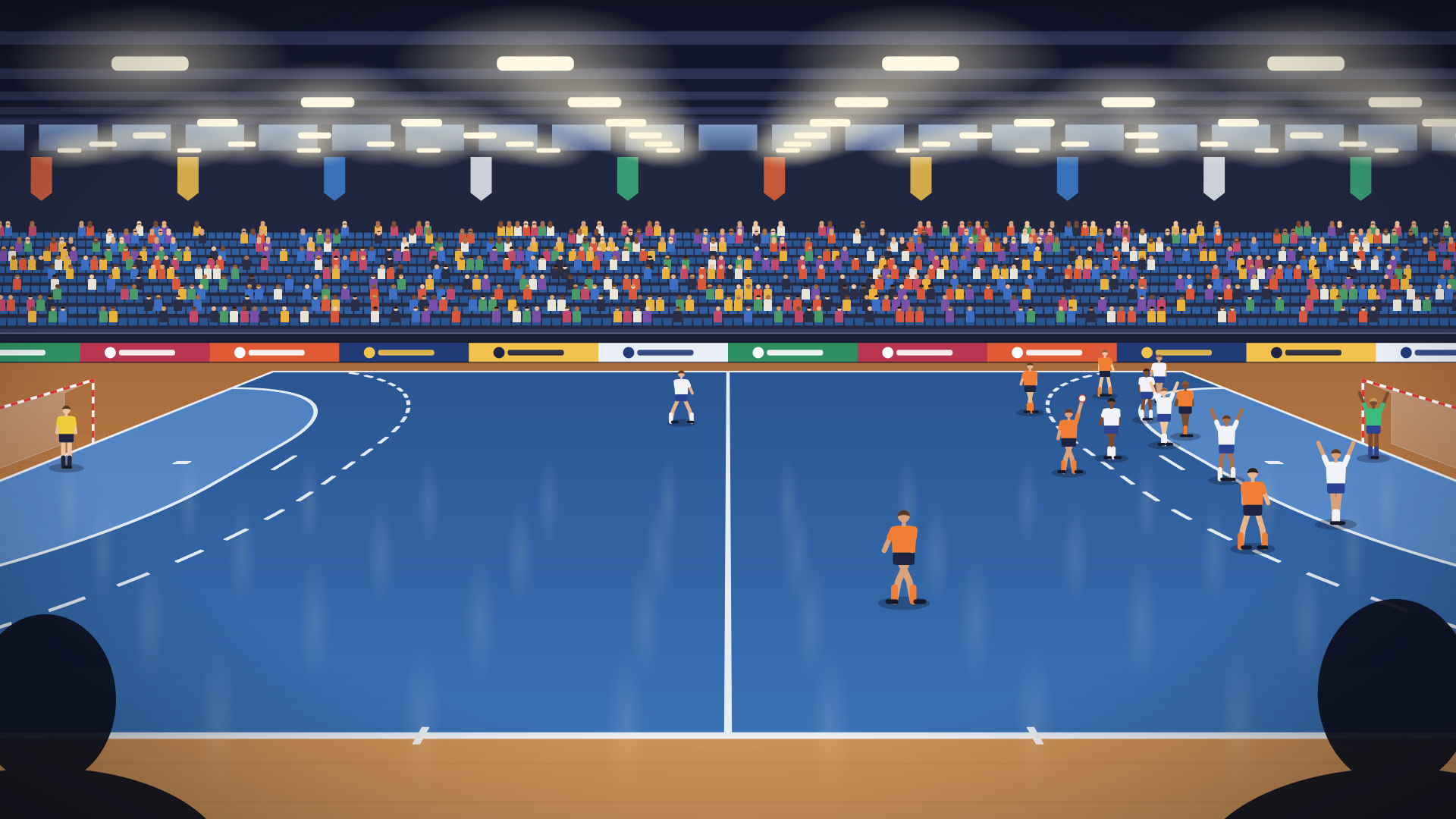
Live match
Paste a match's link from the Profixio results service, and the score, clock, goals, suspensions and timeouts follow the game by themselves.
Point an overlay at public data on the web, such as match results, the weather or prices, and it updates itself while you're live. Nobody has to type a thing. You build it in the studio's Data tab, or let your AI build it.

The Data tab draws an overlay's data as a flow. This is the Weather corner from the library: the host types a town, two sources fetch the weather for it, and one step picks the next hours.
geocoding-api.open-meteo.com
api.open-meteo.com
A source reads a public address on the web. BeamBubble's servers do the fetching, not your phone, and only while a bubble that uses the overlay is live.
Any public link that answers with JSON, the language most data services speak. Fetched again as often as every 10 seconds.
A page read as text, as often as once a minute. Pick values out of it with a meta tag or a pattern.
A live connection: every message comes through the moment it's sent. The overlay can say what it wants when it connects.
Server-sent events: a steady stream of updates over one connection, picked up again where it left off after a break.
Many live results services push updates through Pusher. The overlay listens to the channels you choose.
A link, a team or a town the host fills in before the live, so one overlay works for every match or place.
Data rarely arrives the way you want to show it. Steps take what a source gives and turn it into exactly what viewers need, one step after another.
Today each source and step is set up in a small box of JSON in the Data tab: a few named settings, no programming. Rather not write it? Your AI knows every step and can write the whole flow.
The overlay runs in a sandbox for up to five minutes, with test values for the host's settings. The stage shows the real data.
Each source and step shows what it holds right now, and the log says what happened, so a typo in a link is found in seconds.
Click a value in a step's sample, and it's added to what viewers get. Then put it in any text in Layout.
Any public link that answers with data can feed an overlay. Here is the whole way, with a real example: the temperature at your pitch, from Open-Meteo's free weather service.
Look for a link that shows data when you open it in a browser, without signing in. For the weather at your pitch, put its coordinates into Open-Meteo's link.
With nothing selected, write the Data credit in the Overlay settings ("Weather data by Open-Meteo.com"): an overlay that fetches data needs one. Then, in the Data tab, choose + Add a source or step, and JSON link.
In the source's Settings (JSON), change "url" to your link and "every" to how often to fetch it, and Apply. Press Test, then click temperature_2m under current: it's added to what viewers get.
In Layout, add a text, pick temperature_2m under Value and whole numbers under Format, and Insert. Choose Use in bubbles, then open Overlay in your bubble and pick it: the temperature is in your next live.
https://api.open-meteo.com/v1/forecast?latitude=57.71&longitude=11.97¤t=temperature_2m
{
  "current": {
    "time": "2026-11-19T11:15",
    "temperature_2m": 0.9
  }
}
{
"id": "json",
"type": "http.json",
"url": "https://api.open-meteo.com/v1/forecast?latitude=57.71&longitude=11.97¤t=temperature_2m",
"every": "15m"
}
Keep "id" and "type" as the studio wrote them. Open-Meteo updates the weather now every 15 minutes, so fetching more often gains nothing.
{temperature_2m|int}°
Viewers see 1°, and it changes by itself.
Can't find the link, or does the data need shaping? Tell your AI what you want to show and where it comes from, and it writes the whole flow. Build it with your AI.
The quick test: open the link in a private browser window. If you see the data without signing in, an overlay can read it.
Never put a key or a password in a link. An overlay keeps its links, and they go with it when you publish it to the library, export it as a file, or someone remixes it.
Use data you're allowed to show. Many free services ask for a credit, which the overlay always draws, and some allow only non-commercial use: check the service's terms.
The flow runs on BeamBubble's servers, never on your viewers' screens, and within limits that keep it fast and polite.
Paste a match's link from the Profixio results service, and the score, clock, goals, suspensions and timeouts follow the game by themselves.
Type a town and get the weather now and the next hours, refreshed every ten minutes.
The world's latest earthquakes from the US Geological Survey's public feed, newest first.
Anything public on the web that answers with JSON or text, or streams updates over a WebSocket, server-sent events or Pusher: results, weather, prices, earthquakes, space weather. Addresses that need a sign-in or an API key can't be read today.
A JSON link can be fetched every 10 seconds, a web page every minute, and live connections come through as they arrive. A change reaches the picture within a second.
No. BeamBubble's servers fetch and shape the data. Your phone only streams the picture, as always.
The overlay keeps showing the last values, the host sees that the data is delayed, and the live goes on as usual. The flow tries again by itself.
Today the Data tab's settings are written in JSON, so it helps. If you'd rather not, start from an overlay in the library, or describe what you want to your AI and let it write the flow. Build it with your AI.
Make a bubble in a minute, send the link, and go live from the phone in your pocket. Viewers watch in their browser, no app needed.